-
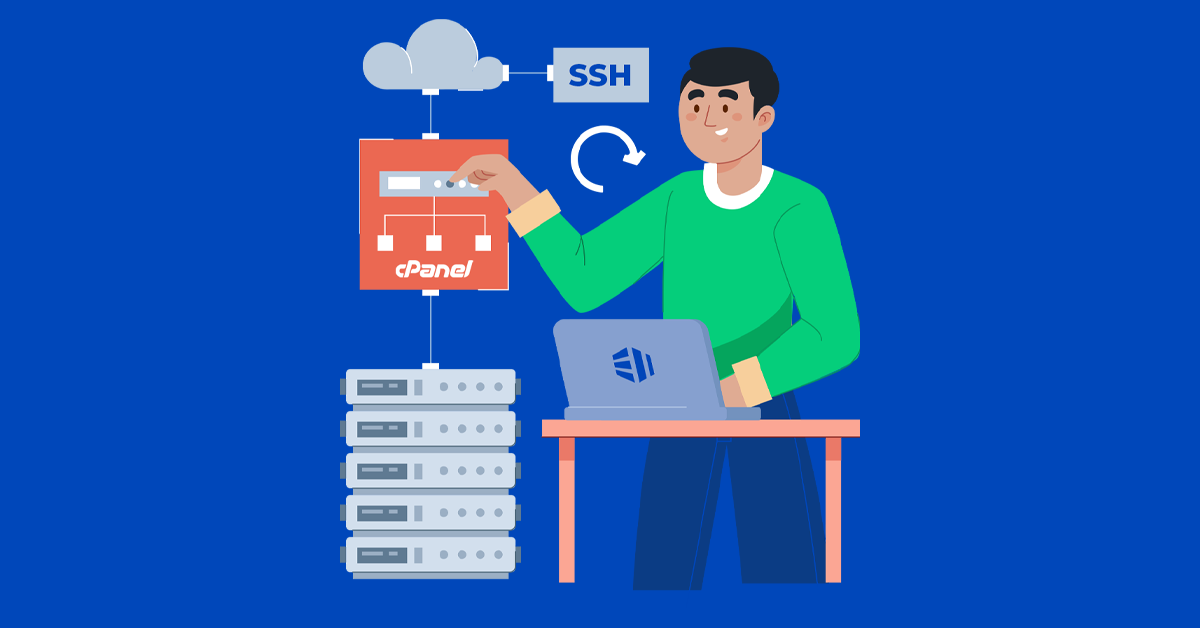
How to Check VPS RAM Usage via SSH
To Check VPS RAM Usage via SSH, you can use various command-line tools available in Linux. Checking the RAM usage of your Virtual Private Server (VPS) via SSH is a common task for system administrators. Here’s a step-by-step guide to help you do that: Check Overall VPS RAM Usage The free command displays the total amount of free and used physical and swap memory in the system, as well as the buffers and caches used by the kernel. Once you’re logged into your VPS via SSH, you can check the overall RAM usage using the free command: This command will display memory usage statistics in megabytes (MB). You’ll see output similar to…
-
NVMe vs SSD: What’s the difference?
NVMe vs SSD are both storage technologies, but they differ significantly in terms of performance, interface, and form factor. Knowing the difference between these two types of SSD is important, too, as they can have a dramatic effect on your system’s cost, size, and performance. All SSDs are faster than traditional hard drives, but there are some big differences between NVMe SSDs and SATA SSDs that are well worth considering. SSDs, which are based on NAND flash memory, have been around for a while and have become mainstream in consumer and enterprise computing. They connect to the system via interfaces like SATA (Serial ATA) or PCIe (Peripheral Component Interconnect Express).…
-
How To Install Linux, Apache, MySQL, PHP (LAMP) Stack on Ubuntu
Installing a LAMP stack on Ubuntu is a fundamental process for setting up a web server environment. This combination of Linux, Apache, MySQL, and PHP provides a robust foundation for hosting dynamic websites and web applications. Here’s a step-by-step guide on how to install each component: A “LAMP” stack is a group of open-source software that is typically installed together in order to enable a server to host dynamic websites and web apps written in PHP. This term is an acronym which represents the Linux operating system with the Apache web server. The site data is stored in a MySQL database, and dynamic content is processed by PHP. In this…
-
How to Block IP from Specific Countries Using .htaccess
In this article we will see How to Block IP from Specific Countries Using .htaccess file. This quick and easy tutorial will show you how to control site access based on visitors’ location. With some tweaks to the .htacess file, it’s possible to allow or block visitors from certain countries. Keep reading! Allowing or Blocking Visitors From Specific Countries Using .htaccess File Once you had launched a website it will be available worldwide. However, in many cases, it’s necessary to control your site access to specific countries, especially when you want to stop spammers or hackers from particular countries. For such cases you can use your WordPress .htaccess file to allow or block IP…
-
How to Locate and Create .htaccess File – A Step-by-Step Guide
The .htaccess file, a powerful configuration file used primarily by Apache web servers, holds the key to controlling various aspects of your website’s functionality and security. From URL rewriting to access control and error handling, this file provides webmasters with unparalleled control over their site’s behavior. Despite its significance, many website owners remain unaware of its existence or are unsure how to locate and create it. In this step-by-step guide, we’ll demystify the process, empowering you to harness the full potential of the .htaccess file for your website. Let’s dive in and uncover the essentials of locating and creating this invaluable configuration file. How to Locate an Open .htaccess File?…
-
Linux Package Management with Yum, RPM, Apt, Dpkg, Aptitude and Zypper
Linux package management is a crucial aspect of maintaining a Linux system, allowing users to easily install, update, and remove software packages. Different Linux distributions employ various package management tools, each with its own set of commands and functionalities. What is Linux Package Management? Linux Package Management is a set of tools and procedures designed to handle the installation, removal, and updating of software on a Linux system. It simplifies the process of managing software packages by providing a unified way to handle dependencies, track installed packages, and ensure that software installations are consistent and reproducible. Key aspects of Linux Package Management include: Popular Linux package management tools include Yum,…
-
A Beginner’s Guide to Navigating the Linux filesystem
As a beginner, understanding the Linux filesystem is a crucial step towards becoming proficient in navigating and managing your system. This guide aims to provide you with a foundational understanding of the Linux filesystem structure, helping you navigate and interact with directories and files. Welcome to the beginner’s guide to navigating the Linux filesystem! In this, we’ll cover the basics to help you get started on your journey with Linux file systems. Let’s Start with What is a Filesystem? What is a Filesystem? A filesystem is a method used by operating systems to organize and store data on storage devices like hard drives and SSDs. In Linux, the filesystem is…
-
Essential Linux Commands for System Admins, Cloud, and DevOps Engineers
Linux commands for system admins, cloud professionals, and DevOps engineers are essential tools for working in a Linux environment. These commands allow users to interact with the operating system, manage files, configure system settings, and automate various tasks. Linux, as an open-source operating system, is the backbone of many data centers, and cloud environments. System administrators, cloud engineers, and DevOps professionals play major role and leverage a myriad of commands to manage, troubleshoot, and optimize systems. In this blog, we’ll explore essential Linux commands for system admins, cloud professionals, and DevOps engineers. Whether you’re a seasoned pro or just starting in the world of Linux, these commands will prove invaluable…
-
LAMP in Centos 7 Easy steps to install and configure
In my previous post I have posted the LAMP configuration in centos 6 and also how to install the wordpress. Here I took joomla open source for installing and configuring of LAMP for centos 7. There is no difference between centos 6 and centos 7 the version only changed. And there is slight difference in commands used in SSH. LAMP-indicates Linux, Apache, mysql and php. The LAMP Components includes, Steps to Install Apache: Installing and configuring a LAMP (Linux, Apache, MySQL, PHP) stack on CentOS 7 involves a series of steps. Here’s a simplified guide to help you set it up: Step 1: Update System Make sure your system is…
-
How to Install WordPress Quickly Using SSH – easy to learn
Installing WordPress via FTP can take up quite a long time, as you´ll have to upload hundreds of files to the server. Installing via the console is much faster, but you really need to know what you´re doing. Still, confused why you should install WordPress SSH than any other method? Let me help you with that! Installing WordPress via SSH (Secure Shell) allows you to set up WordPress on a remote server without using a graphical user interface. WHY SSH? Secure Shell (SSH) is used for installing WordPress (or any other software) on a remote server for several reasons Well, the process to Install WordPress Quickly Using SSH is faster and much convenient than any…