-
AlmaLinux 8 GPG key change
AlmaLinux 8, a popular open-source operating system built from the source code of Red Hat Enterprise Linux (RHEL), made a significant change in its GPG (GNU Privacy Guard) key infrastructure starting with AlmaLinux 8. The GPG key is used to verify the authenticity of packages, ensuring that they haven’t been tampered with. What Happened with the GPG Key in AlmaLinux 8? The change in the GPG key usually relates to a key rotation or an upgrade in the cryptographic methods used to sign the packages for security reasons. AlmaLinux periodically updates its signing keys, and if you’re running AlmaLinux 8 and need to update or import the new GPG key,…
-
How to Set Up a Node.js Application Using CloudLinux’s Node.js Selector in cPanel
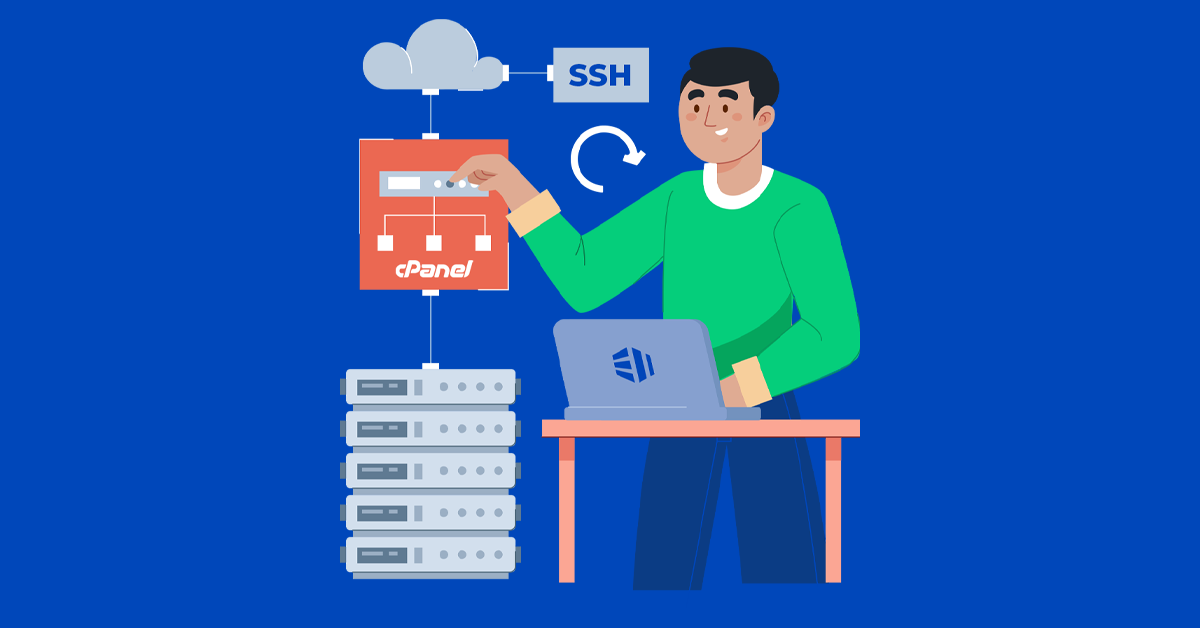
If you are hosting your application on a server with CloudLinux installed and have access to cPanel, setting up a Node.js application becomes straightforward. CloudLinux’s Node.js Selector allows you to easily manage and deploy Node.js applications with various versions, without requiring advanced server configurations. Here’s a step-by-step guide to setting up a Node.js application using the Node.js Selector in cPanel. Prerequisites Step 1: Log in to cPanel Log in to your hosting account’s cPanel. You can typically access cPanel by visiting yourdomain.com/cpanel and entering your credentials. Step 2: Access the Node.js Selector Once logged in, scroll down or use the search bar to find Setup Node.js App under the Software section. Step 3: Create a New Node.js Application Step 4: Upload Your…
-
How To Reset Root Password On CentOS 7
Have you ever encountered a situation when you missed your user account password on a Linux System? If you forget user password, you can easily reset it using root account. What if you forget your root password? You cannot reset root account password using user account. Since user account is not permitted to perform such task in general. So I planned to boot into single user mode. As the system boots, press ESC to bring up the GRUB boot prompt. The prompt happens early in the boot process. If you miss the prompt, you need to restart the server from the control panel and try again. At the GRUB boot prompt, press E to…
-
How To Disable Root SSH Access
By default when you install CentOS 7 and SSH server, the root account automatically have remote access via SSH. This can be dangerous. If the root account password falls into the wrong hands, your server is at the mercy of the bad guys with the password. They can delete every file and folder on the server and take down the entire system with few commands. That’s why limiting the root account from directly accessing the server is recommended. I will show you through the step by step disable root SSH access on a CentOS 7 server. Before you disable SSH logins for the root account, you must create a normal…
-
How to check the PHP version on Linux
There are several possibilities to check and validate PHP version on Linux. METHOD 1 Open a bash shell terminal and use the command “php –version” METHOD 2 “php -v” to get the version of PHP installed on the system METHOD 3 Let’s create a PHP file with content as shown below. The phpinfo() function outputs a great deal of information about the state of the current PHP environment, including loaded extensions, compilation options, version, server information, and so on. Now, considering that Apache is installed and working, open a browser and test PHP using address as follow: We hope you’ve found this useful!
-
How to clear Default Mail Account in a cPanel Server using SSH
In every cPanel server, we can find a default mail account in the name of cPanel username. The default mail account is not used for normal mailing purposes. All the notification mails from the server are forwarded to this default mail account. cPanel also routes mails sent to the non-existing email accounts at your domain name to the default mail account if catch-all feature is enabled. For example, if your default mail account is vasco@demoserver.com and someone emails a non-existent or mistakenly entered address, billy@demoserver.com, then cPanel forwards the email to vasco@demoserver.com. In most cases spam mails are sent to randomly generated email accounts which may or may not exists…
-
How To Archive Files and Directories in Linux
Introduction Archiving is the process of combining multiple files and directories (same or different sizes) into one file. On the other hand, compression is the process of reducing the size of a file or directory. Archiving is usually used as part of a system backup or when moving data from one system to another. Archives and Directories The most common programs for archiving files and directories are: Tar Zip Archive files and directories using the tar command Tar is a Unix command representative TAPE Archive (tape archive). It is used to combine or store multiple files (same or different into one file. There are four main modes of operation in the…
-
Task Scheduling in Linux with cron
Cron is a Linux and UNIX based tool that allows scheduling automated tasks. Cron commands are stored in a file named for the user who created them in /var/spool/cron/ CRON Commands The Crontab command is used to create new cron files: Crontab -l list the contents of your personal cron file. Crontab -r removes all crontab entries. Crontab -e opens your default text editor for cron job creation. Steps Creating a Cron Job Login to your server as root Create a directory for the purpose of testing as Add files to the crondemo directory using touch command Open crontab -e and add the command Allow sometime and list the directory…
-
How To Use Rsync to Sync with a Remote System
Syncing to a remote system is trivial if you have SSH access to the remote machine and rsync installed on both sides. Once you have SSH access verified between the two machines, you can sync the dir1 folder from earlier to a remote computer by using this syntax This is called a “push” operation because it pushes a directory from the local system to a remote system. The opposite operation is “pull”. It is used to sync a remote directory to the local system. If the dir1 were on the remote system instead of our local system, the syntax would be: Like cp and similar tools, the source is always the first argument, and the destination is always…
-
How To Use Rsync to Sync Local Directories
Introduction Rsync, which stands for “remote sync”, is a remote and local file synchronization tool. It uses an algorithm that minimizes the amount of data copied by only moving the portions of files that have changed. What Is Rsync? Rsync is a very flexible network-enabled syncing tool. Due to its ubiquity on Linux and Unix-like systems and its popularity as a tool for system scripts, it is included on most Linux distributions by default. Basic Syntax The basic syntax of rsync is very straightforward, and operates in a way that is similar to ssh, scp, and cp. We will create two test directories and some test files with the following commands: We…